

Making Your Site Mobile-First: The Canadian Advantage
Most visitors use phones. Here’s why building mobile-first isn’t just trendy — it’s essential for converting real customers.
Read ArticleStart with the right structure before writing code. We break down the wireframing process into simple steps that actually work.

Most startup founders jump straight into building. They’ve got an idea, some enthusiasm, and a developer ready to code. What they don’t have? A clear plan. That’s where wireframing comes in — it’s the blueprint before the construction starts.
We’re not talking about fancy design tools or pixel-perfect mockups here. Wireframing is about sketching out where things go on your page. What’s the hero section? Where’s the navigation? How do users move through the site? These decisions upfront save you weeks of rework later.
“A good wireframe saves you from building the wrong thing. It’s that simple.”
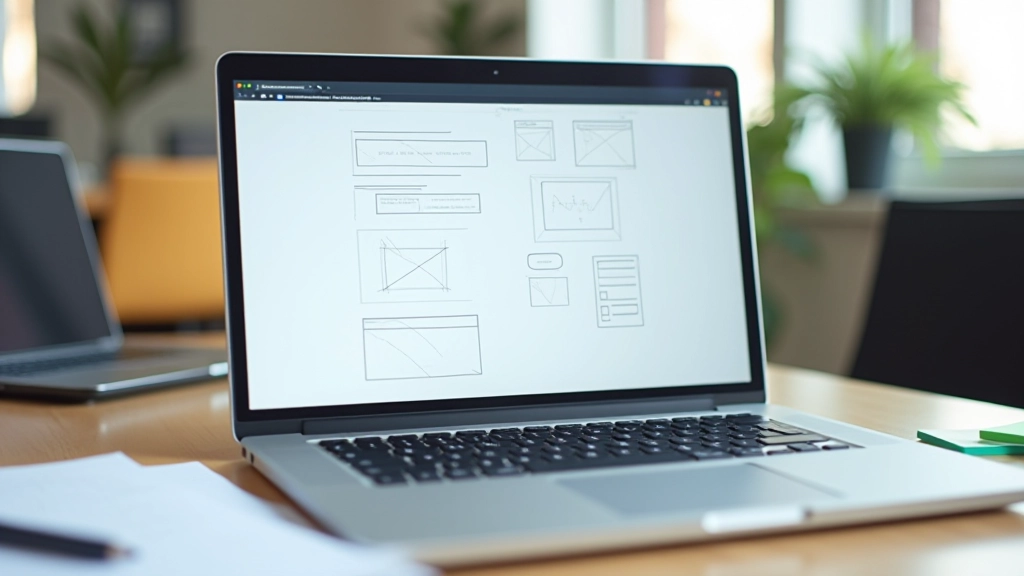
Every startup website needs these. You don’t need to reinvent anything — just get these five pieces right, and you’re already ahead of most sites out there.
Don’t overcomplicate this. If you’re starting out, you probably don’t need 47 different sections. You need these five elements working together smoothly.
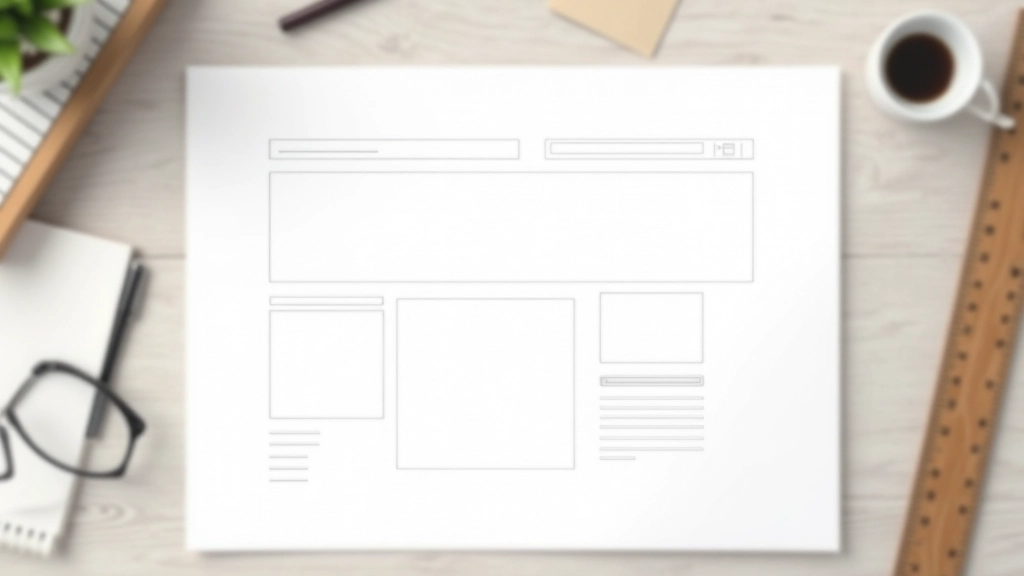
You don’t need special software or design experience. Pen and paper work just fine — though we’ll show you the digital option too.
Grab paper and a pen. Draw rectangles where your main sections go. Header at top. Hero section below that. Then content areas, testimonials, footer. Don’t worry about making it look good — you’re just organizing space. Most startup sites fit into this pattern in about 10 minutes of sketching.
Inside each section, what’s actually going? Image on the left, text on the right? Two-column layout? Single column? Write labels for each block. “Hero image here,” “Three feature cards,” “Testimonial quote.” This isn’t design yet — it’s just deciding what content lives where and in what order.
Walk through your wireframe like you’re a first-time visitor. Do you understand what the site does in the first 10 seconds? Can you find what you need? Where does someone click next? If you can’t answer these questions looking at your wireframe, your layout needs adjusting before you touch any design tools.

The tool doesn’t matter nearly as much as people think. We’ve seen great wireframes done on napkins and bad ones built in expensive software. That said, here’s what we recommend depending on your situation.
Fastest way to get ideas out. You’re not making anything permanent, so you’ll iterate faster. Perfect for solo founders or small teams doing initial planning.
Cloud-based, shareable, and you can move straight from wireframes to design. One free project is usually enough for your first site. The learning curve is gentle — you’ll be making layouts in an hour.
Built specifically for wireframing, not design. Everything looks intentionally rough so nobody gets attached to visual details. Good for teams where designers and developers need to collaborate.
You’re going to make these mistakes — everyone does. The good news? They’re easy to fix at the wireframing stage. Much harder to fix after you’ve already built the thing.
Your wireframe doesn’t need animated transitions, parallax effects, or a complex navigation system. You’re not impressing anyone with wireframe complexity. You’re solving a problem: getting information in front of people clearly. Do that first.
Most of your visitors are on phones. Sketch your wireframe mobile-first. Then think about how it expands to tablet and desktop. Not the other way around. A desktop-first wireframe that gets “squeezed” for mobile almost never works well.
You don’t need 47 different page layouts for your startup site. Start with a homepage, one service/product page, and a contact page. That’s three wireframes. Build those first. Add complexity once you’ve actually launched and understand how people use your site.

Wireframing doesn’t take special talent or expensive tools. It’s just thinking through your site structure before you build it. Spend an hour sketching. Show it to someone else — a friend, a potential customer, another founder. Get feedback. Adjust. Then hand it to your developer with clear direction.
You’ll save time, avoid costly rework, and end up with a site that actually makes sense. That’s not fancy. That’s just smart. And it’s exactly what your startup needs right now.

This article is informational and educational in nature. The wireframing process and tools we’ve discussed represent common industry practices, but every startup’s needs are different. The specific approach you choose should be tailored to your business model, team size, and timeline. We recommend consulting with a professional web designer or developer to assess your particular situation. The tools mentioned are current as of February 2026, but features and pricing may change. Always verify current information directly with the tool providers before making purchasing decisions.